If your Facebook account has been locked, don’t panic. This often happens when Facebook detects unusual activity or potential security threats. Fortunately, there are clear steps you can take to unlock your Facebook account and recover access.
Why Facebook May Lock Your Account
Facebook uses automated systems to protect your security. As a result, your account might be locked if:
- Login attempts occur from an unknown device or location
- You violate community guidelines
- Someone reports suspicious activity on your profile
In most cases, Facebook notifies you through email or shows a lock message when you try to log in.
Steps to Unlock Your Facebook Account
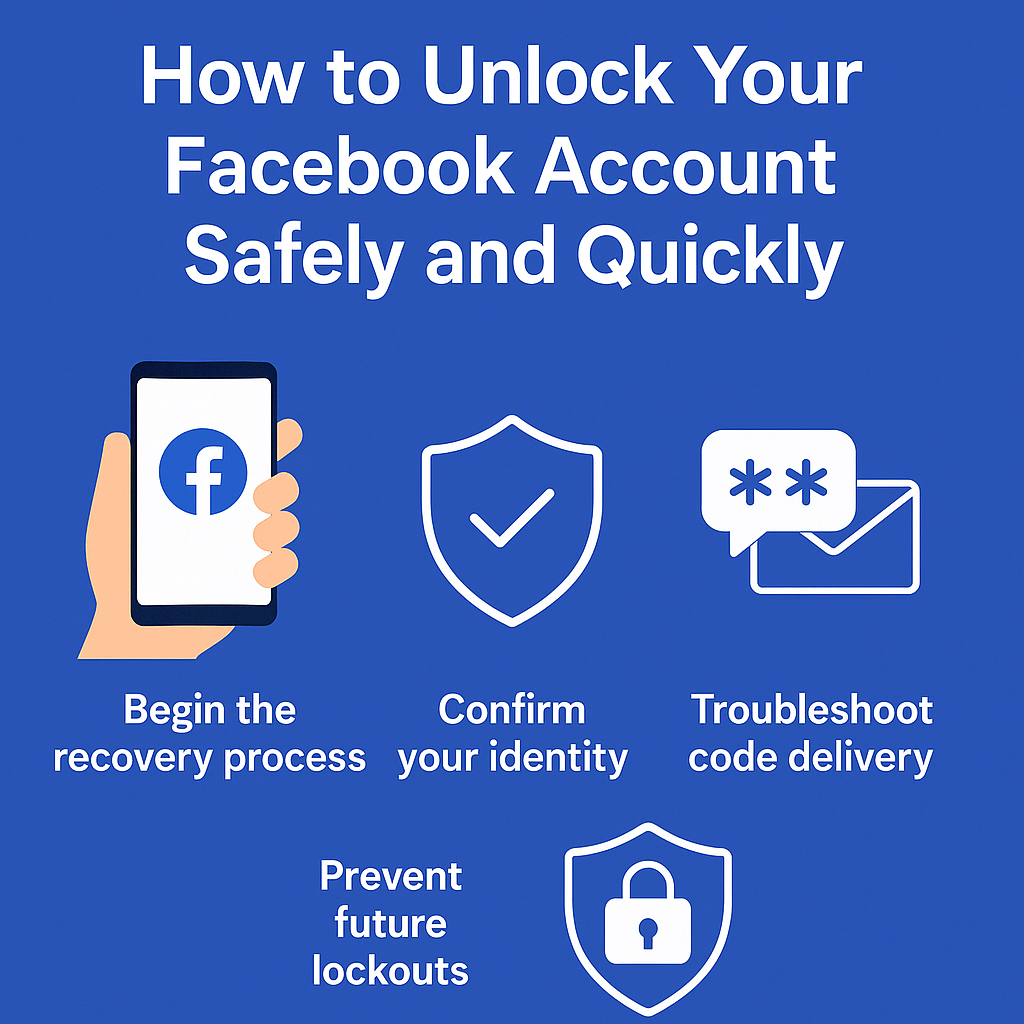
1. Begin the Recovery Process
Go to facebook.com and enter your login details. If your account is locked, you’ll see a “Get Started” prompt. Click it and follow the instructions.
Depending on the situation, Facebook may:
- Ask you to confirm your identity
- Send a verification code to your phone or email
- Prompt you to verify recent activity
2. Use Facebook’s Account Recovery Tool
If you’re unable to log in, try the recovery page:
https://www.facebook.com/login/identify
Here, you can search for your profile and reset your login details using an available email or phone number.
If You Still Can’t Access Your Account
At times, users are locked out without access to their recovery options. In that case, you can submit an identity verification form here:
https://www.facebook.com/help/contact/357439354283890
Make sure to:
- Upload a clear photo of a government-issued ID
- Enter an email you can access
- Be patient while Facebook reviews your request
Troubleshooting: Not Receiving Your Code?
Occasionally, the confirmation code may fail to arrive. To fix this:
- Wait at least 24 hours before requesting a new code
- Check your spam, junk, or promotions folders
- Double-check that you’re using the correct email or phone number
- Restart your phone and check for blocked SMS messages
- Ensure your phone has enough storage to receive new texts
- Contact your mobile carrier to confirm your plan allows these types of messages
Using another device or browser may also help.
Prevent Future Lockouts
To minimize the risk of being locked out again:
- Set up two-factor authentication
- Keep your recovery email and phone number up to date
- Avoid logging in from untrusted networks or devices
- Respond promptly to Facebook’s security alerts
Getting locked out can be stressful, but Facebook offers several ways to verify your identity and unlock your Facebook account. By following the steps above, you’ll improve your chances of regaining access while keeping your account secure.
If you’re still experiencing issues, visit the Facebook Help Center for the latest support options.